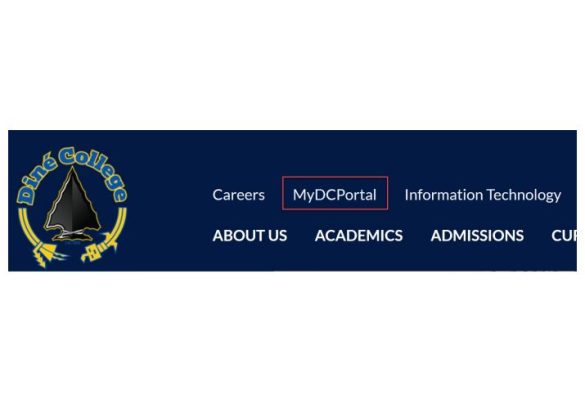
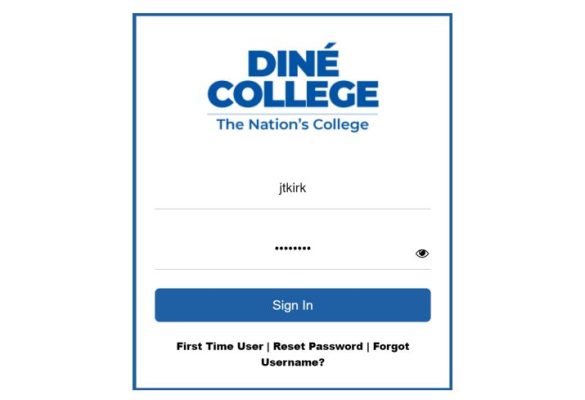
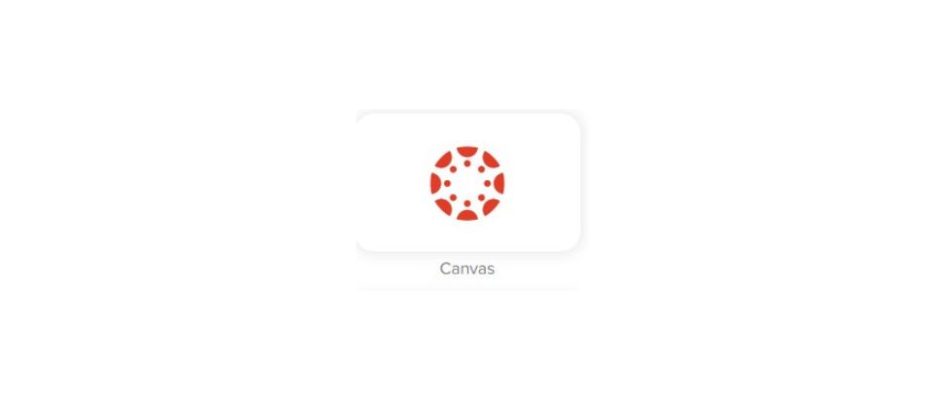
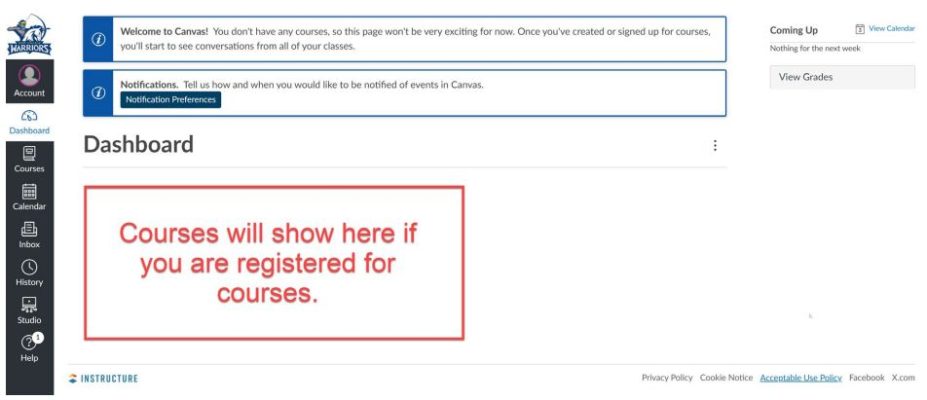
Diné CollegeHow to AccessCanvas How to log into Canvas Learning Management System (LMS) This document guides you through the process on how to log into Canvas LMS through your MyDCPortal. Step 1: Navigate to https://www.dinecollege.edu/. Step 2: Click on the Forgot Username. Step 3: Enter in the email address you want your username to be sent to. It can be any email address of your choice. Step 4: Click on the Canvas tile as shown below. Step 5: Upon successful login, you will see the following page. NOTE: Your registered courses will be listed under the Dashboard section. IT-Help Desk Office Hours:Monday – Friday: 8 a.m. – 5 p.m.Closed during Lunch: 12 p.m. – 1 p.m. Phone Support: 928-724-6675 Submit an IT help Desk Ticket